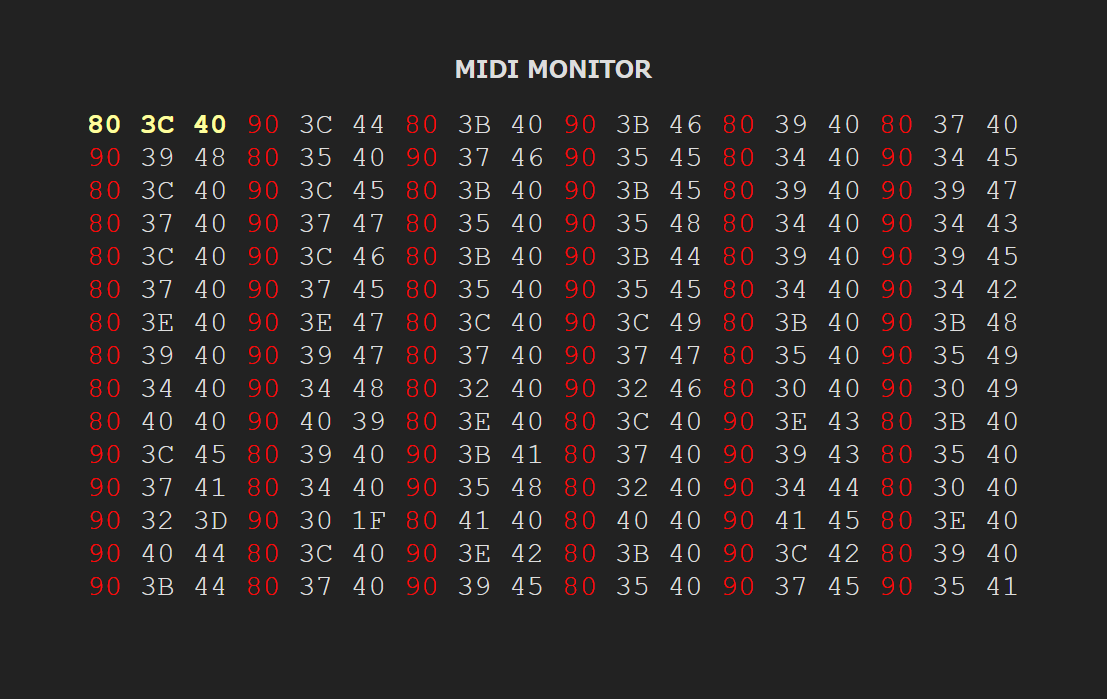
MIDI Monotor
Web MIDI Application
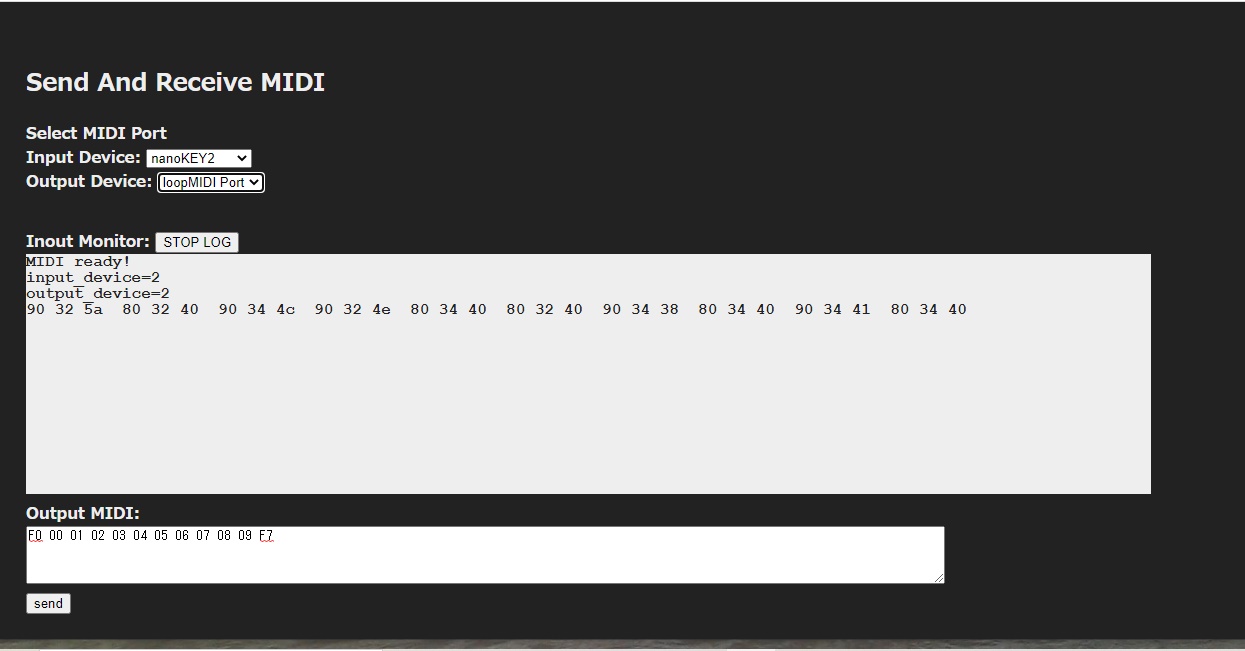
MIDI Send And Receive
This application can receive and send MIDI messages, including System Exclusive data.
Updates
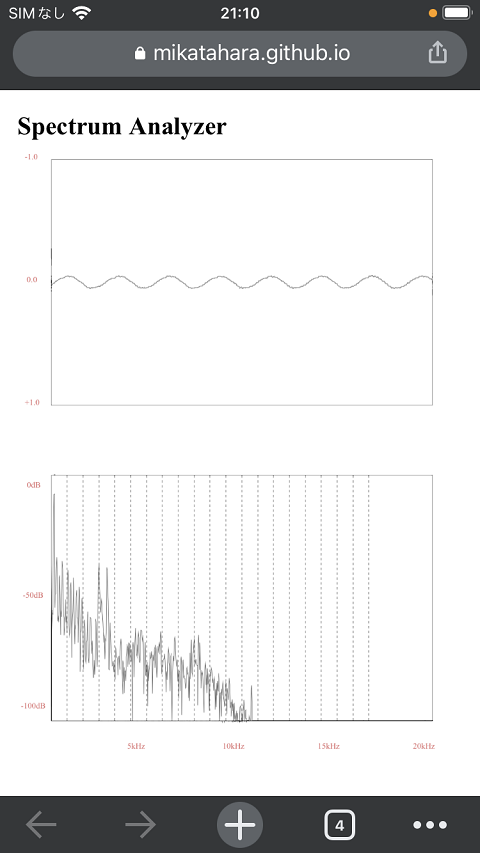
Spectrum Analyzer
This is a spectrum analyzer that uses the Web Audio API. It analyzes audio captured by a computer or smartphone using FFT (Fast Fourier Transform), and displays a graph showing how much sound is present at each frequency. You can visually examine music, musical instruments, voices, and other sounds. The screen design has been adjusted to make it easier to use on an iPhone. Scroll down the screen to find various parameters for changing how the data is displayed.
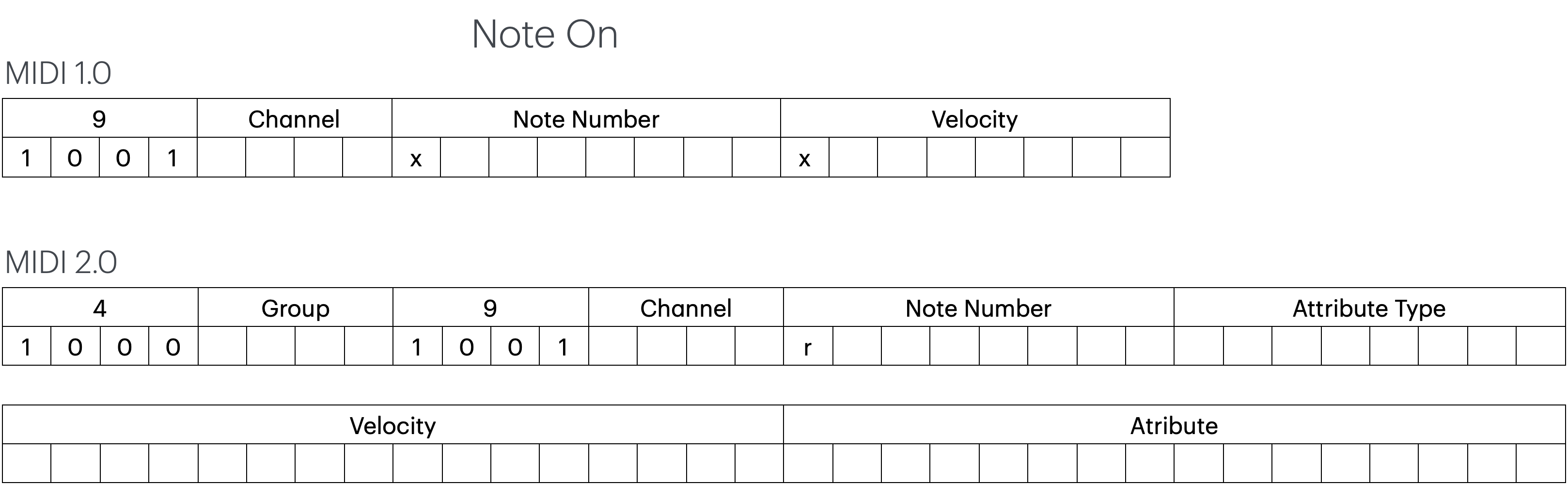
MIDI 2.0
This page gives a simple overview of MIDI 2.0 and explains how it extends MIDI to provide more detailed and expressive control.
Raspberry Pi ZERO OTG
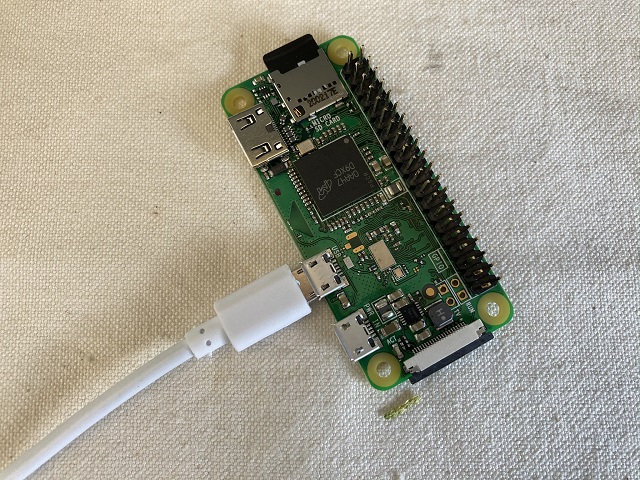
Set up the Raspberry Pi Zero in OTG mode so your PC can recognize it as a MIDI device. OTG means USB On-The-Go. It allows the Raspberry Pi to work like a USB device, similar to a keyboard or MIDI controller. In this setup, your PC acts as the host, and the Raspberry Pi Zero acts as the device. The Raspberry Pi 2 and 3 do not support this feature and can only work as USB hosts. In this example, we use a Raspberry Pi Zero.
Usage of MAC IAC Driver
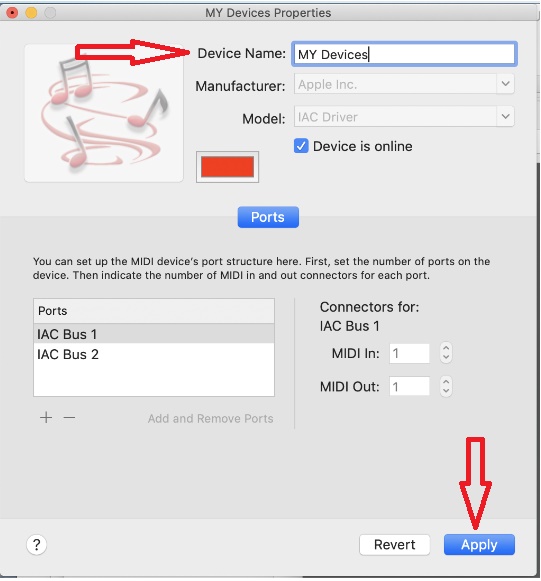
This article explains how to use the IAC Driver to connect applications on macOS. The IAC Driver works like loopMIDI on Windows. It lets apps—such as a software synthesizer and a web browser—send and receive MIDI data between each other.
Usage of the rtpMIDI
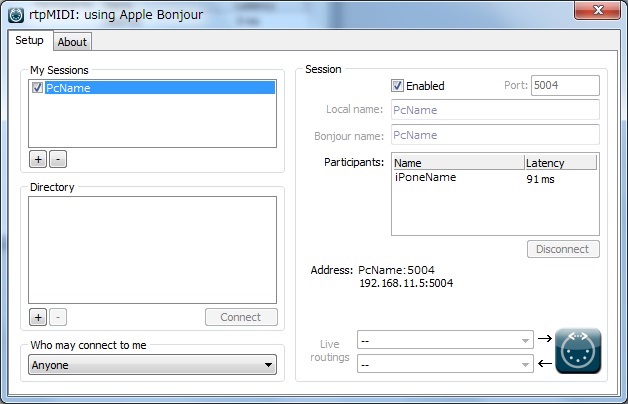
While looking for a way to connect an iPhone to a Windows PC using MIDI, I found rtpMIDI. RTP (Real-time Transport Protocol) is a protocol that sends audio, video, and other data over a network in real time.
Arduino Micro USB-MIDI
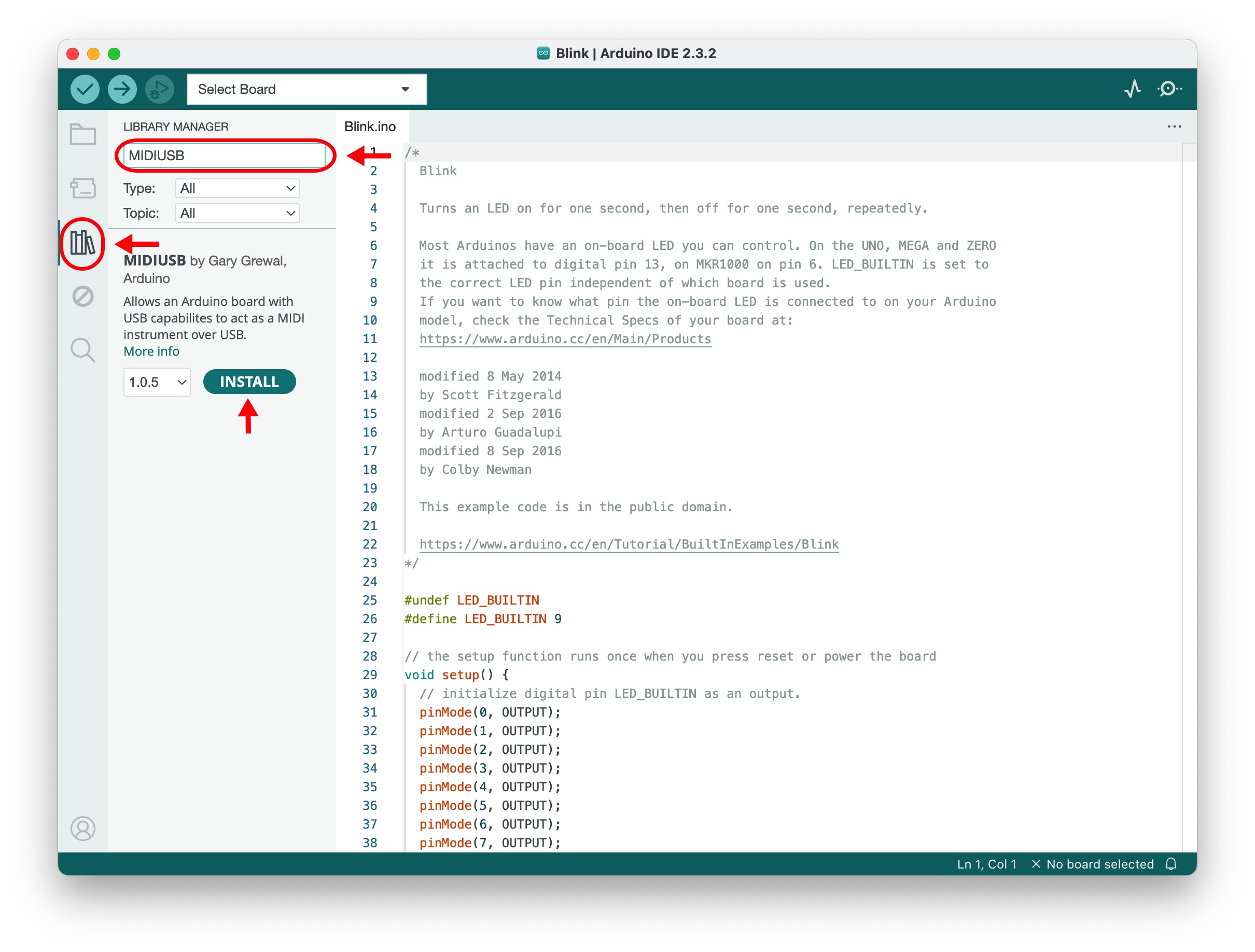
In this article, I explain how to make an Arduino Micro work as a USB-MIDI device. This is easier than using an Arduino Uno. We use the Arduino libraries MIDIUSB or USBMIDI. These are two different libraries for adding USB-MIDI functionality to Arduino. You only need to install one of them.
Web MIDI API Operation Test
This page automatically checks whether the Web MIDI API is available in your environment, including your browser.
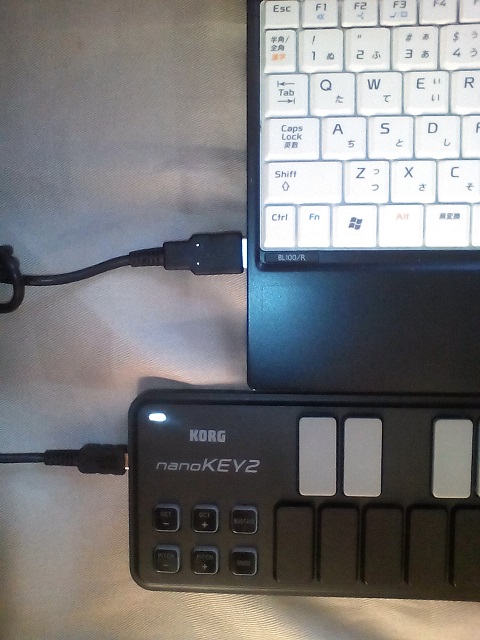
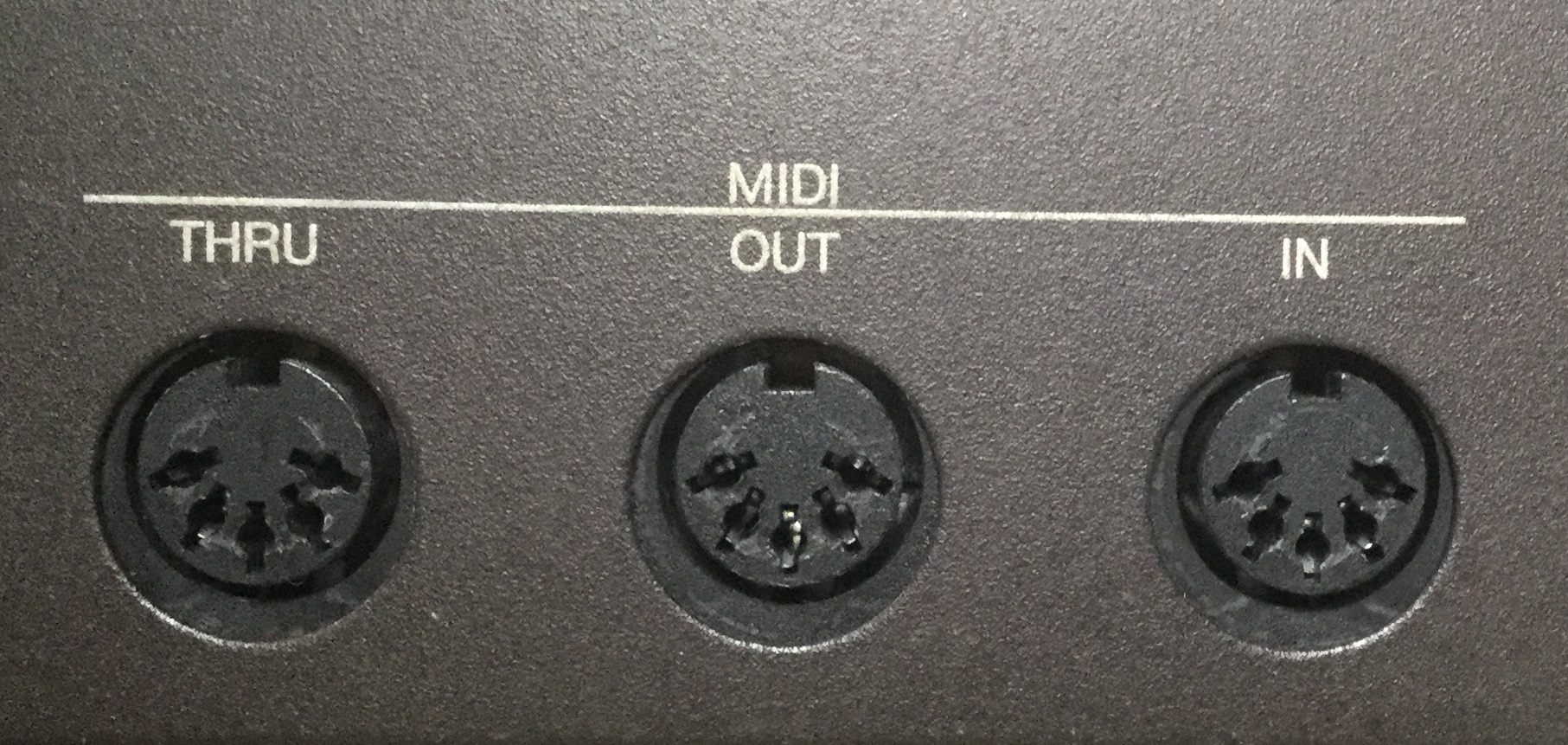
MIDI to USB Interface
Look at the back of your keyboard or digital piano. You will find MIDI terminals like the ones shown in the photo. With a MIDI-to-USB cable, you can connect it to your PC and use many MIDI apps.
About this pages
Thank you for visiting this site.
This site was previously called “Web MIDI API Laboratory.” However, as the number of topics beyond the Web
MIDI API has increased, the name has been changed.
This site explores MIDI from a technical perspective.
I explain how to connect MIDI devices to PCs, Macs, and single-board computers such as Arduino and Raspberry
Pi. I also explain how to use audio in a web browser.
In addition, I introduce web applications for MIDI and audio that I have created myself. I also share some
electronic circuit examples.
However, I am not an expert in electronic circuit design, so please note that some of the circuit diagrams may
not be completely accurate.
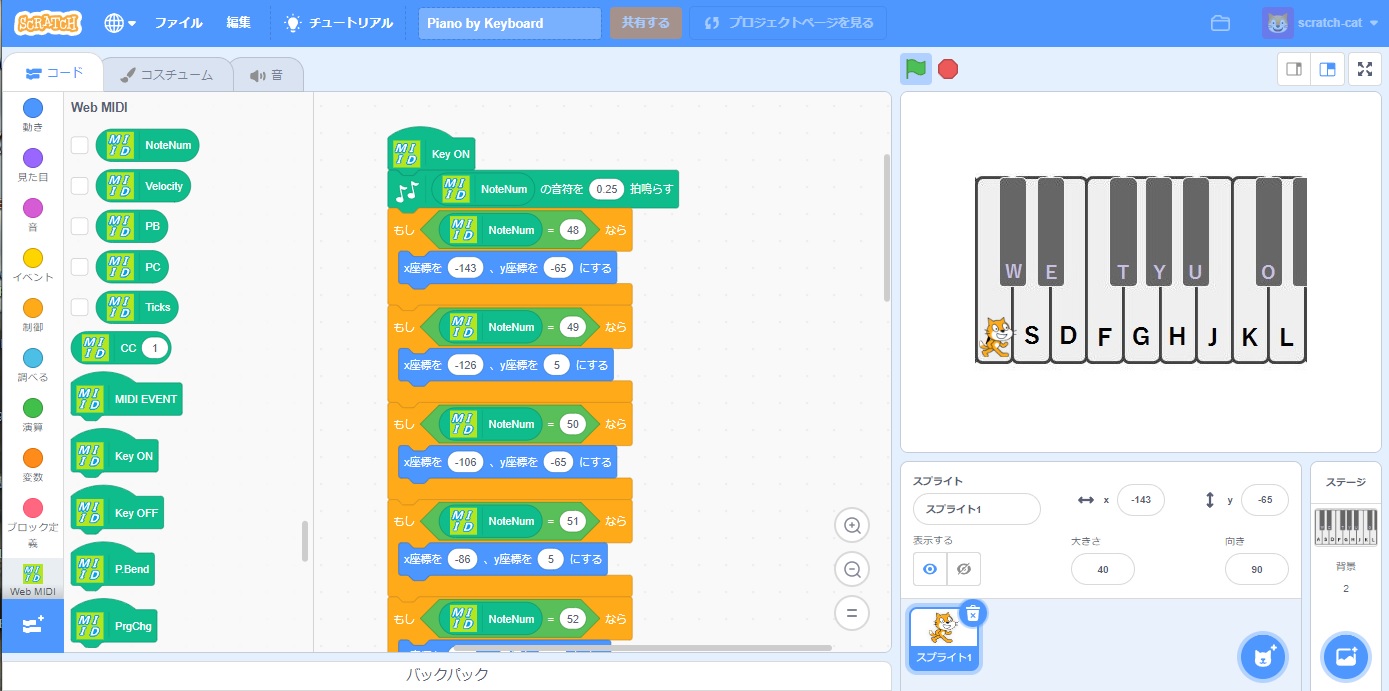
MIT Scratch with Web MIDI
I added a MIDI extension to MIT Scratch, and this page introduces it.
12/18/2022
About MIDI
MIDI stands for Musical Instrument Digital Interface. In other words, it is a digital interface for musical instruments. MIDI was introduced in 1983, the same year that Nintendo released the "Family Computer." Later that year, the DX7 synthesizer was also released. This was long before Windows 95.
To put it simply, MIDI is a standard that allows electronic musical instruments to communicate with each
other.
When two instruments are connected via MIDI, playing one can trigger sounds on the other.
At a concert I attended some time ago, I saw a keyboardist surrounded by nearly ten synthesizers lined up
across the back of the stage. Of course, it would be impossible to play them all directly. Instead, one
keyboard acts as the main controller, connected to the others via MIDI.
By playing a single keyboard, the performer can control and play sounds from multiple instruments.
This allows the keyboardist to switch between different sounds to suit each song.
MIDI was later adopted as a computer interface, making it possible to control musical instruments from a
computer. It also became widely used as a data format for karaoke.
In short, MIDI is an interface that connects musical instruments and computers, and it is a remarkably versatile standard that can be used regardless of the type of instrument or music. Whether you are using a PC or a Mac, MIDI drivers are available, along with a wide range of applications that make it easy to work with MIDI. It is also supported on both iPhone and Android devices. Even single-board computers such as Raspberry Pi and Arduino can handle MIDI. For this reason, MIDI can be seen as a convenient interface for connecting devices and exchanging data between all kinds of “things.”
In recent years, Web APIs such as the Web MIDI API and Web Audio API have been developed, making it relatively easy to create applications that handle MIDI and audio. These web applications run directly in browsers such as Edge and Chrome, which means there is no need to install any additional software.
On this site, I will show you how to connect MIDI devices and share MIDI and audio applications built with Web APIs.
September 19, 2020 MikataHara